Katkuti Code Quest: Coding and Computational Thinking for Children
See how Code Quest introduces sequencing, loops, conditions, and debugging at home and in educational settings.
Coding begins with a clear plan
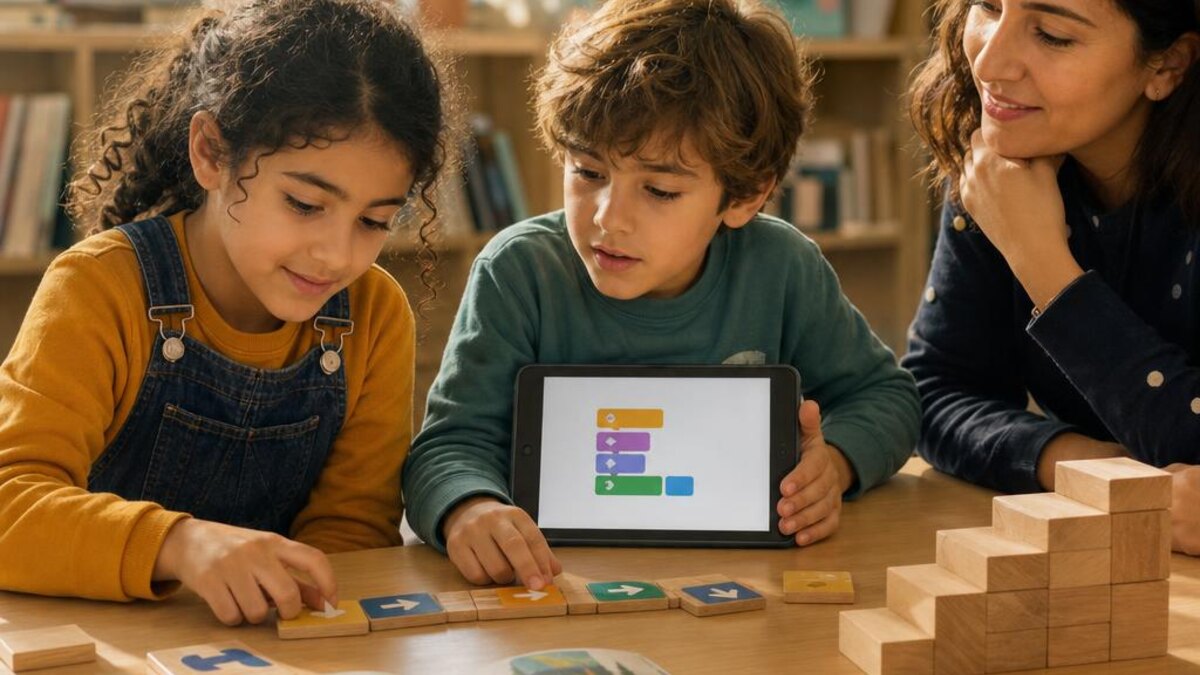
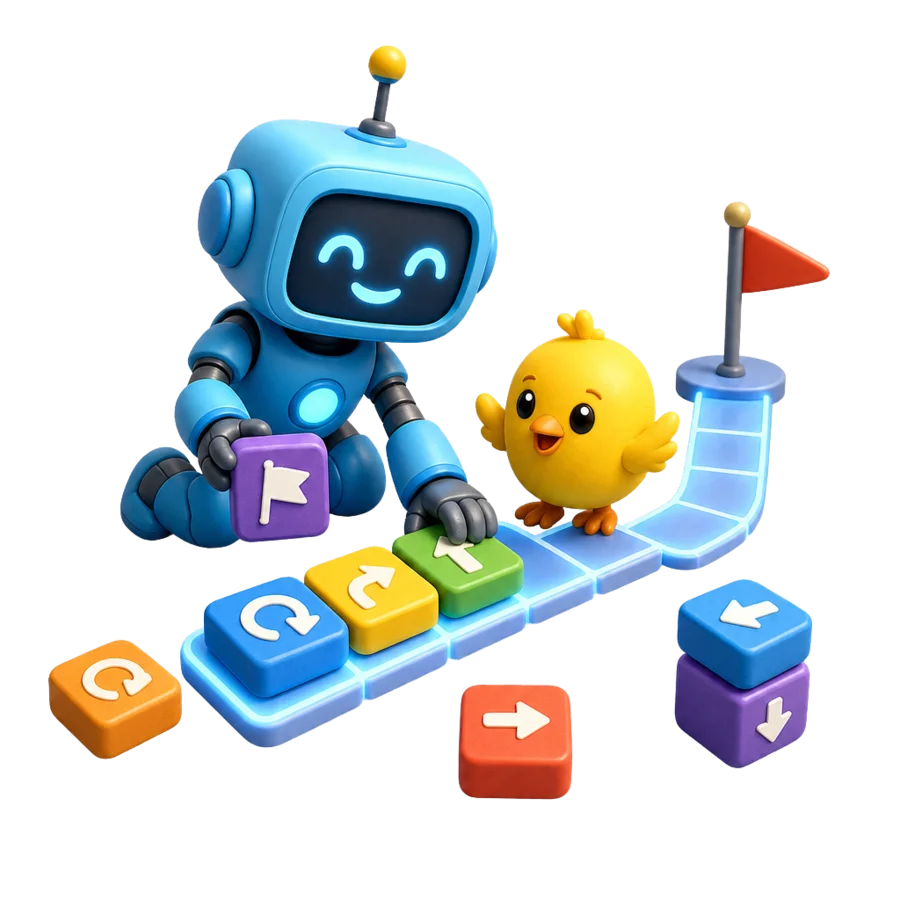
Code Quest presents visual challenges where children arrange commands to reach a goal. They encounter sequence, repetition, and conditions, learning that a program follows the instructions and order it receives.
Children do not need to type long programs. The block-based interface focuses on the process: plan, run, observe, and revise.
Benefits beyond writing code
Coding challenges practice breaking down a problem, predicting an outcome, locating an error, and testing an alternative. Explaining why a command or loop was chosen also exercises the language of reasoning.
The goal is not speed or memorizing command names. Some children may draw or trace the route first, which can be useful support for building a mental model.
- Sequence: What comes first?
- Loops: Which commands repeat?
- Debugging: Where did the result differ from the plan?
For classrooms, institutes, and community centers
Code Quest can be used on desktop computers in schools, educational institutes, and community centers. A teacher or facilitator can present a challenge, ask for a plan before running it, and compare solutions without turning the activity into a race.
In pairs, one child can arrange commands while another checks the route, then they can switch roles. At home, a child can continue with a suitable level or build a similar paper maze with family.
Start Code Quest
Open Code Quest, choose a suitable level, and invite the child to describe the plan before pressing run.