Katkuti Stories for Children: Reading, Imagination, and Conversation
Discover how Katkuti stories support listening, reading, and expression at home, in schools, educational institutes, and community centers.
A story connected to the child’s world
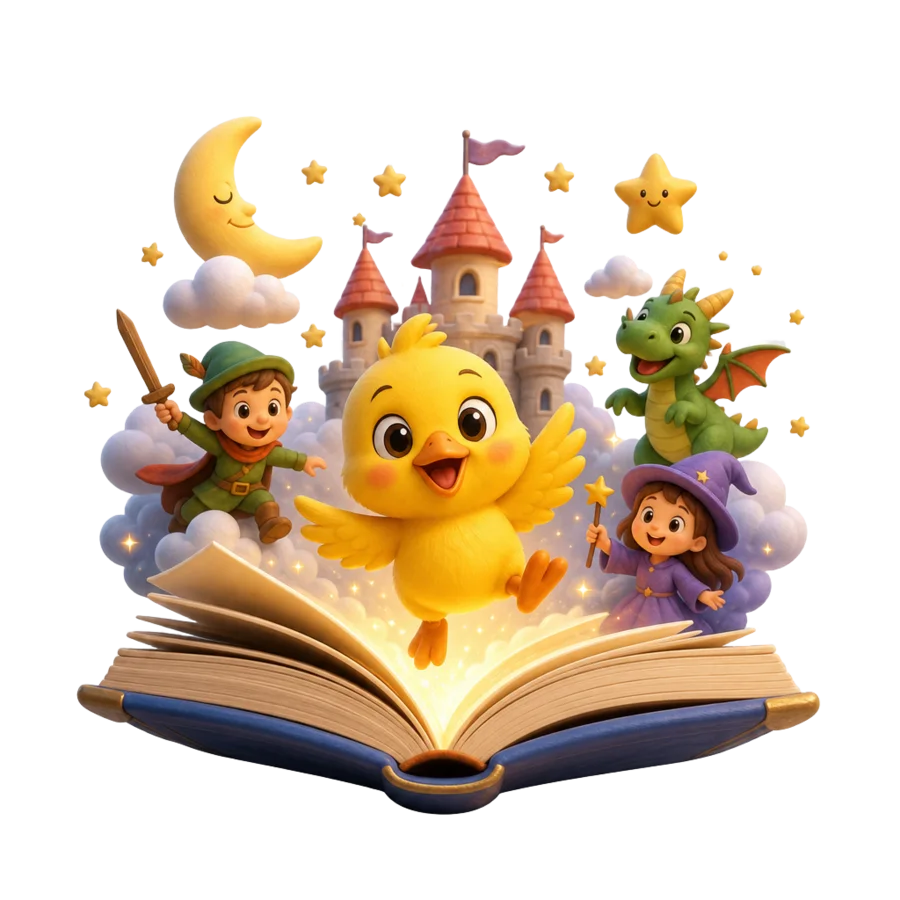
Katkuti stories combine text, illustration, and audio to give children a clear way into a narrative. A parent or teacher can read with the child, pause at an image, and ask about a character or event instead of focusing only on finishing the pages.
Katkuti provides a public story library and, where available, a guided story-creation experience. Adults can choose a language, topic, and suitable details, then use the result as a starting point for shared reading and conversation.
Practical benefits of shared reading
Shared reading lets a child hear words in context, order events, predict what may happen, and describe feelings or opinions. A story can be revisited; each reading may reveal a new detail or invite a new phrase.
A story is not a test or a promise of a specific outcome. Its value is regular space for attention, language, and imagination, with an adult who explains when needed and respects the child’s age and pace.
- Ask what happened first.
- Invite the child to choose and describe one image.
- Connect an event to a familiar, safe experience.
In schools, institutes, and community centers
Katkuti is used through desktop access in schools, educational institutes, and community centers. A teacher or facilitator can choose a story for a small group, share reading roles, or use its images to begin an Arabic or English discussion.
Families can continue the idea at home through a public story link or another library title. This supports continuity between learning settings and home without assuming automatic reporting or replacing teachers and families.
Start with the story library
Browse public stories first, then choose one that fits the child’s age and the available time. Signed-in users can create a new story when story generation is available.